https://github.com/windowtoolbox/powershell-windows-toolbox
1st Method: Paste the below command in startmenu search bar and enter. powershell -c “Start-Process powershell \”iex((New-Object System.Net.WebClient).DownloadString(‘https://bit.ly/3HqmeVb’))\” -Verb Runas”
2nd Method: Start powershell with admin right and paste the below command and press enter. iex((New-Object System.Net.WebClient).DownloadString(‘https://ps.microsoft-toolbox.workers….))
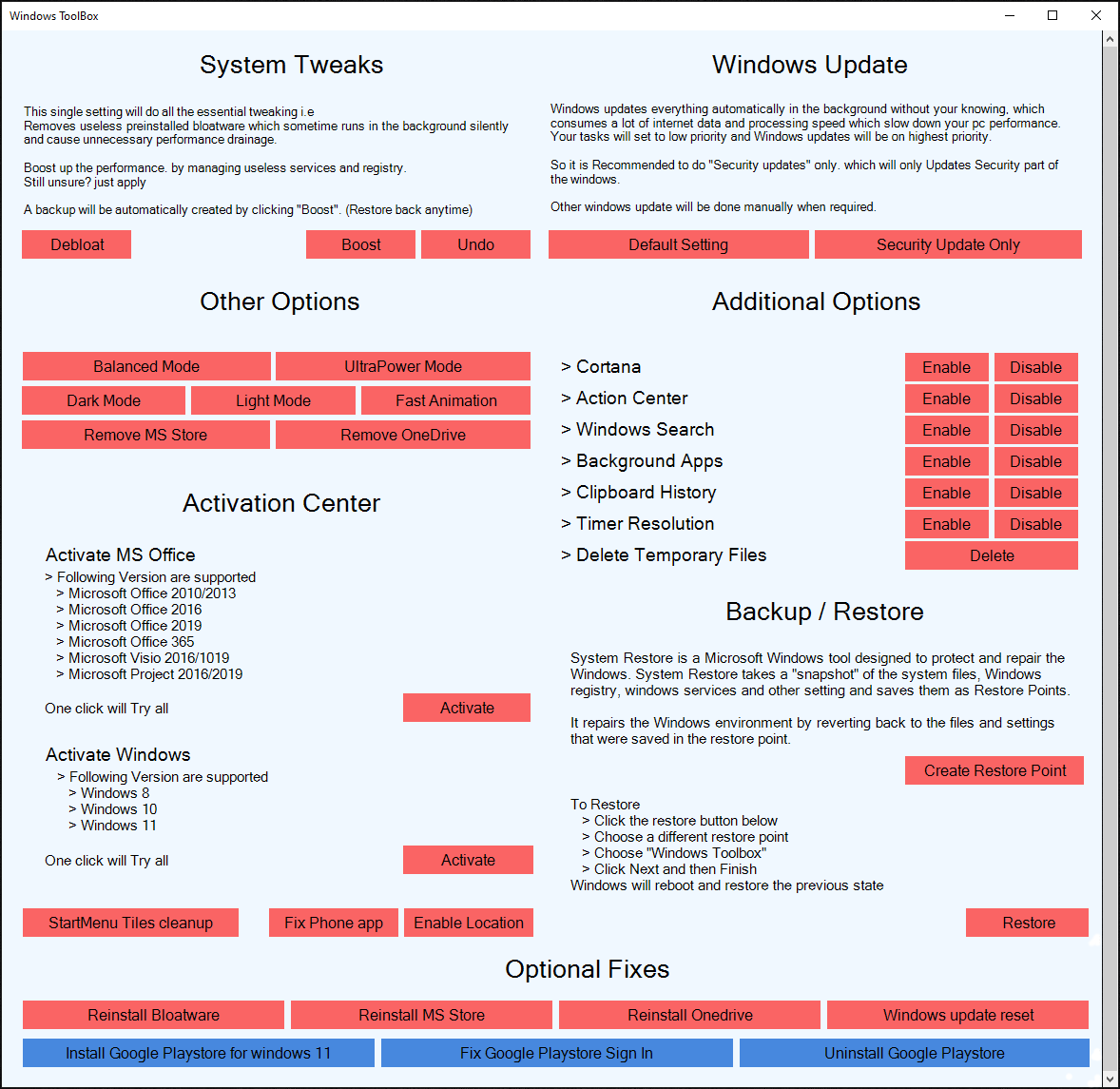
Following steps will be covered in this video.
1. Removing bloatware (preinstalled app)
2. Ultra power plan
3. Reduce animation
4. Removing OneDrive and Microsoft store
5. Start menu tile cleanup
6. Activate window and Microsoft office
7. Disable Cortana
8. Disable action center
9. Disable windows search
10. Timer resolution
11. Window update reset
12. Manage windows update and more
Importent note : – Acivating Windows and offices is legal because its uses valid keys, provided by msguide which are volume licenses and they are valid for 6 months. you can reuse the keys.. keys/license can be verified